


https://minimax-remover.github.io/
#清除缓存
pip cache purge
#安装gradio
pip install gradio==6.9.0
#安装依赖
pip install -r requirements.txt
#启动运行
python .\gradio_demo\test.py
如果你确实需要 flash-attn 的性能提升,需按以下步骤安装编译工具:
步骤 1:安装 Microsoft C++ Build Tools(核心)
- 下载地址:https://visualstudio.microsoft.com/visual-cpp-build-tools/
- 运行安装程序,勾选以下组件(必须选):
- ✅ Desktop development with C++(桌面开发 C++ 套件)
- ✅ MSVC v143 – VS 2022 C++ x64/x86 Build Tools(14.0+ 版本)
- ✅ Windows 10/11 SDK(匹配你的系统版本)
- ✅ C++ CMake Tools for Windows(可选,但建议装)
官方预编译的 wheel 一般都不包含 Flash Attention,需要的话可以:
pip install flash-attn
#如果报错可以使用
pip install flash-attn --no-build-isolation
例,安装cu128版:
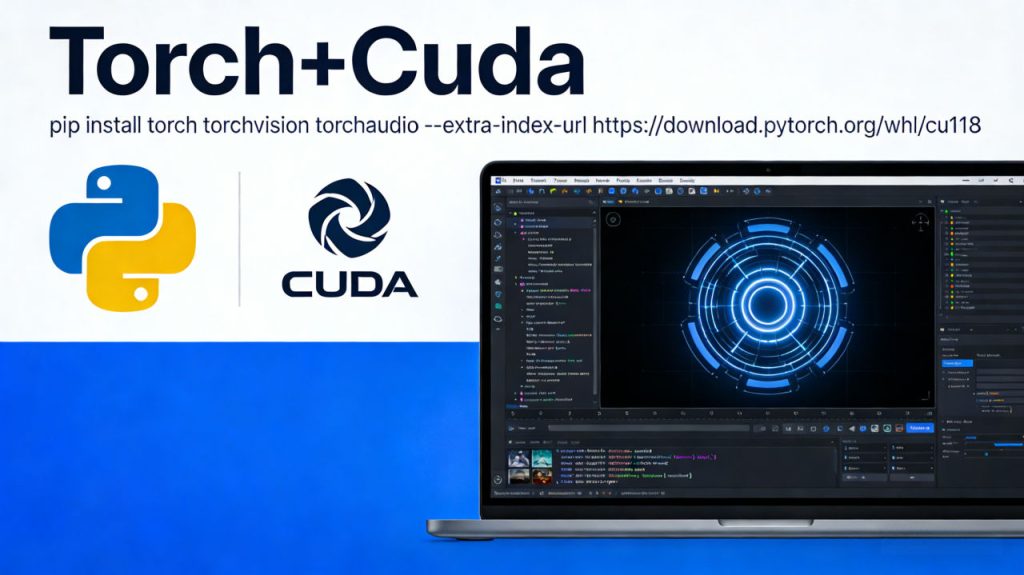
pip install torch torchvision torchaudio -i https://mirror.sjtu.edu.cn/pytorch-wheels/cu128依赖修改
--extra-index-url https://download.pytorch.org/whl/cu118

torch==2.7.1
torchvision==0.22.1
torchaudio
flash-attn
decord==0.6
diffusers==0.33.1
Pillow==9.2
einops==0.8.0
scipy==1.14.0
numpy==1.26.4
opencv-python==4.10.0.84
huggingface_hub
omegaconf
einops
accelerate==0.30.1
gradio==6.9.0
gradio_client
moviepy==1.0.3
hydra-core
pytest
© 版权声明
文章版权归作者所有,未经允许请勿转载。
THE END